Tools › Magic Storybook
Paste and generateFreeNo login
Magic Storybook
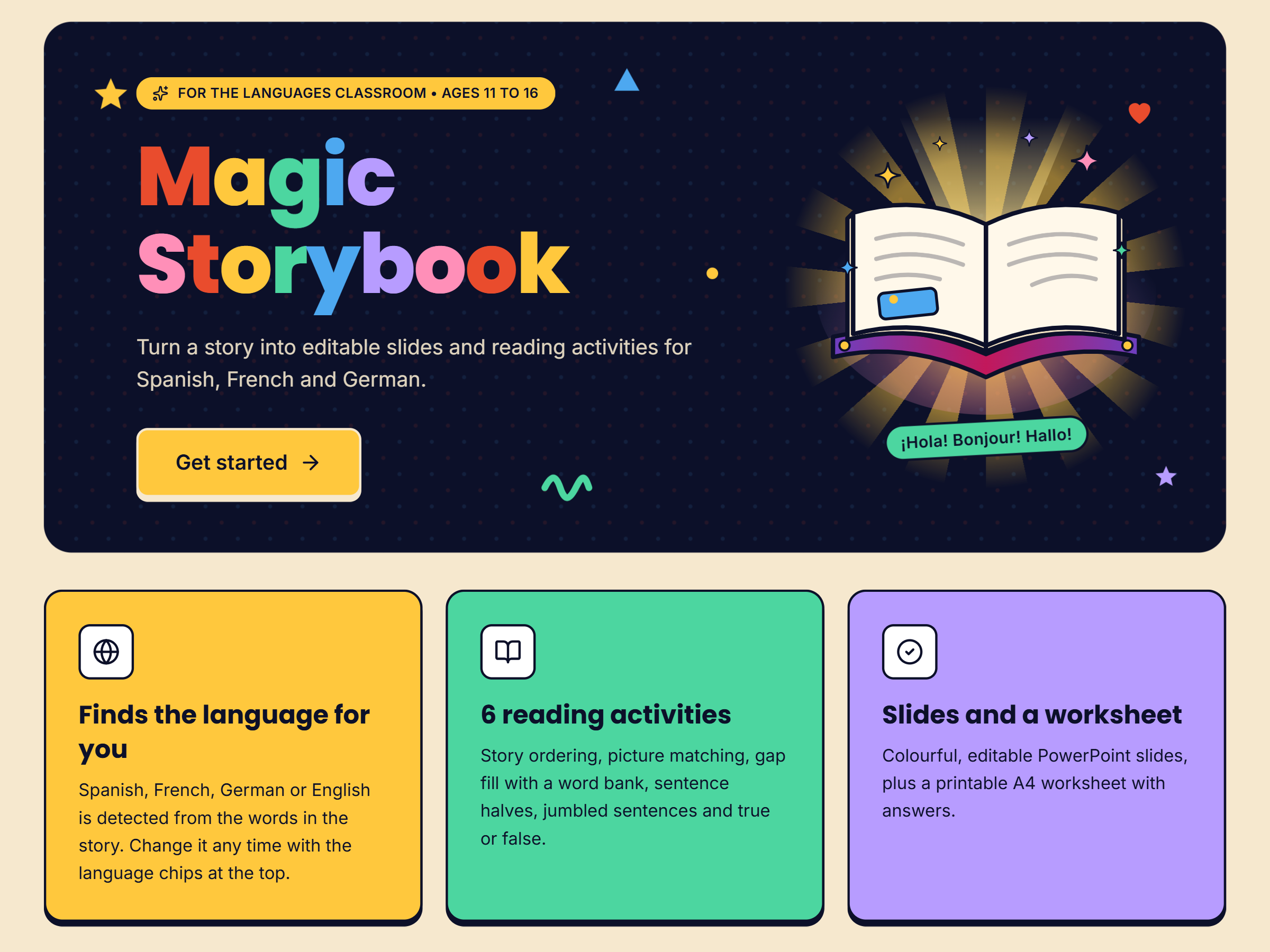
Turn a Gemini Storybook PDF into editable PowerPoint slides with separate pictures and text, plus six reading activities and a printable A4 worksheet.
How it works
- Make a story in Gemini Storybook and save it as a PDF.
- Drop the PDF in. Pictures and text are split onto separate slides and the language is detected.
- Check the slides, then generate story ordering, picture matching, gap fill and more.
- Download the PowerPoint and print the worksheet with answers.
Everything runs in your browser. Your PDF is not uploaded anywhere.